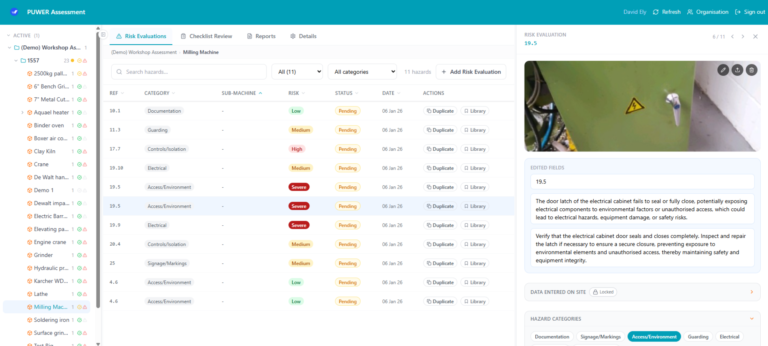
Our PUWER APP is a free, easy-to-use app that guides and captures structured data in a consistent format, making assessments easy and straightforward. That way, you can stop wasting time on messy PUWER assessments and do what actually works.
The Problem
PUWER assessments shouldn’t feel like a guessing game. But for many teams, they still do.
Too often, assessments are carried out using paper forms or generic spreadsheets. The result? Inconsistent, incomplete data that’s difficult to trust.
There’s rarely a standardised approach across assessors. Each person works slightly differently, which makes it hard to compare results or build a reliable picture of risk across your site.
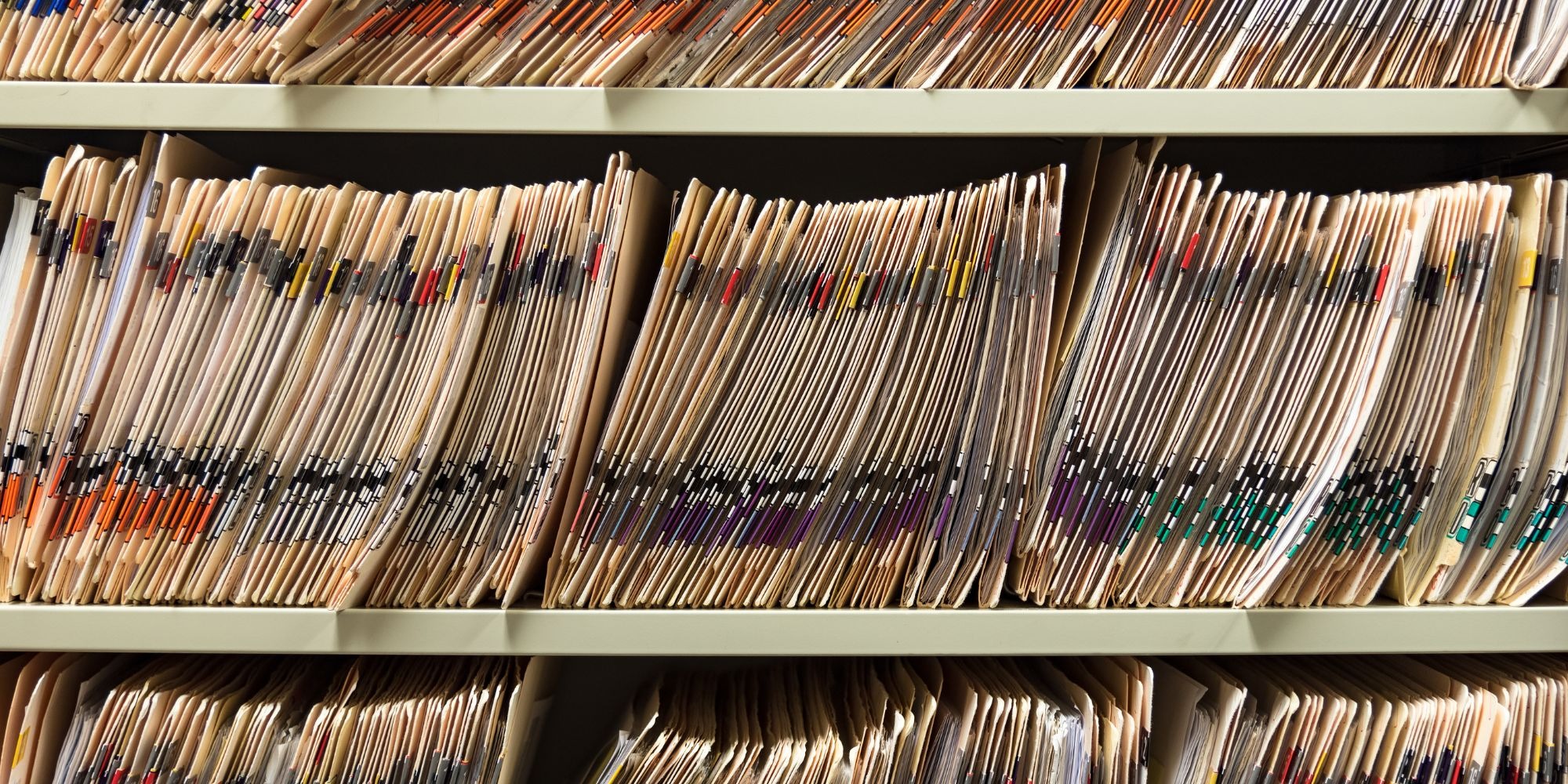
Even when the data is collected, it often ends up buried in folders or filing cabinets. That makes it difficult to answer simple but important questions—like which machines need attention first.
Assessments also take longer than they should. Switching between documents, checklists, and notes slows everything down, especially under time pressure.
And then there’s the bigger concern: missing something important. A gap in compliance isn’t just a paperwork issue—it can lead to real risk.
Finally, reporting back to leadership is often frustrating. Raw data doesn’t tell a clear story, and turning it into something useful takes more time than it should.
The Solution
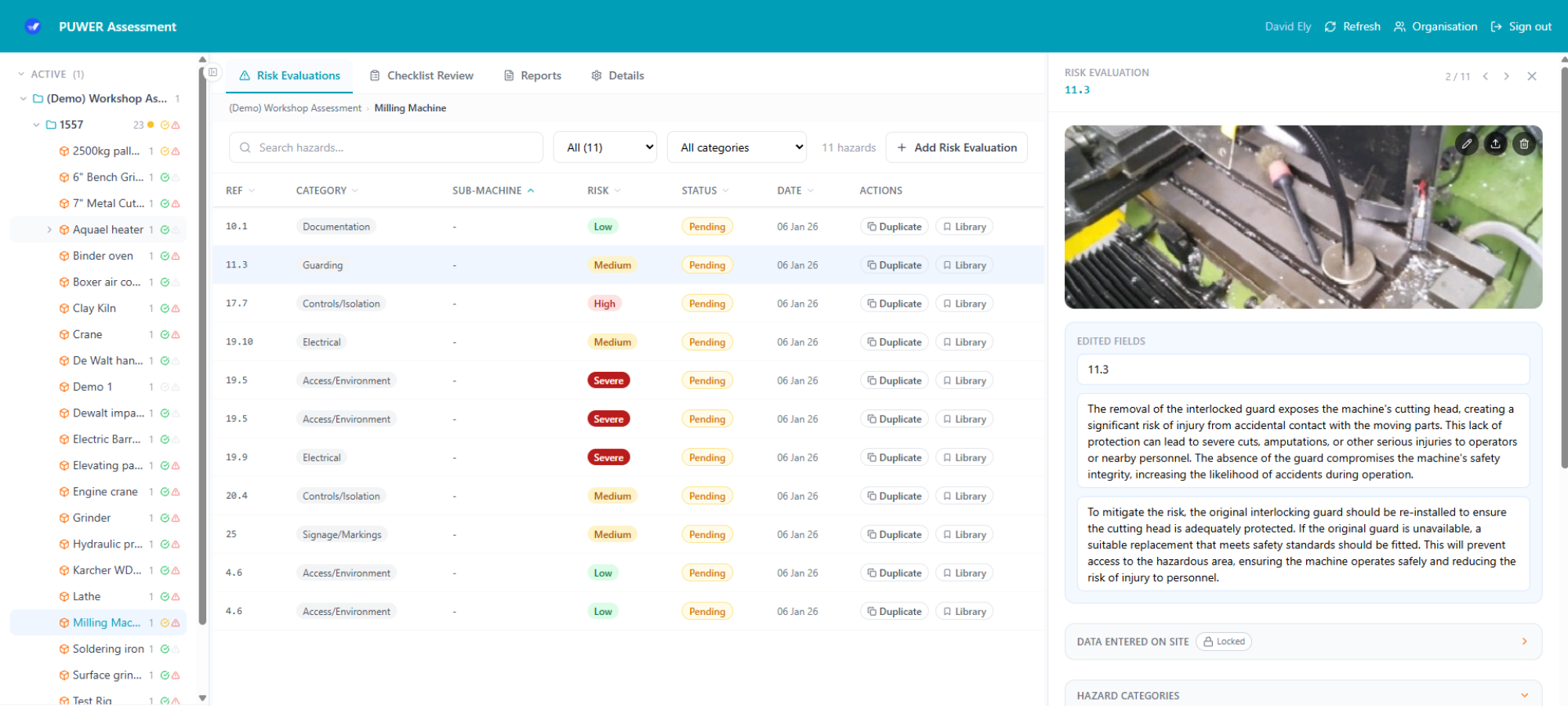
Our PUWER App is designed to remove that friction. It gives your team a consistent, structured way to assess machinery—without adding complexity or slowing you down. Instead of piecing together documents and notes, everything is handled in one clear workflow from start to finish.
Guided Assessment Flow
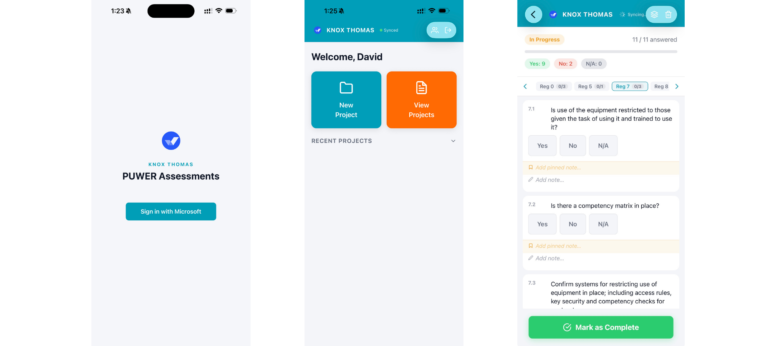
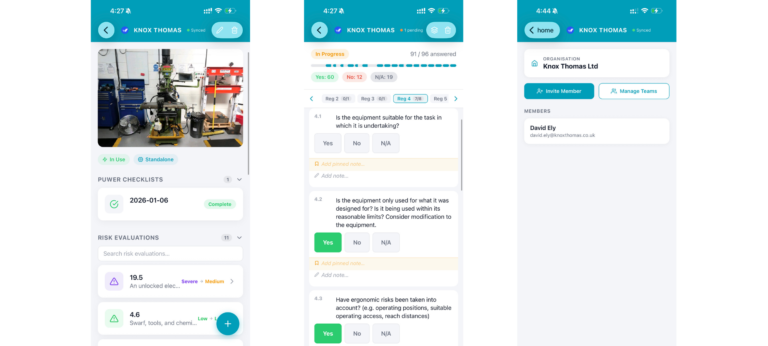
The app walks assessors through every PUWER regulation question step by step, so nothing gets missed and nothing gets guessed. Each stage follows a logical structure, helping ensure consistency no matter who is carrying out the assessment.
Works Anywhere, Even Offline
Use it on phones, tablets, or desktop. No signal? No problem. The app continues to work offline and syncs automatically when you’re back online, so assessments aren’t delayed by poor connectivity.
Structured Data From Day One
Capture clean, consistent data that’s ready for analysis and reporting. Information is recorded in a format that can be easily filtered, prioritised, and exported—no more messy notes or time spent reworking data later.
Built by PUWER Specialists
Designed by our assessors who carry out these assessments every day—not generic software developers. It reflects how real assessments are done in practice, not how software teams think they should be done.
Prefer to have the assessment carried out for you? Book a full PUWER assessment from Knox Thomas, or pair the app with our PUWER training so your team can run assessments in-house.
Who It’s For
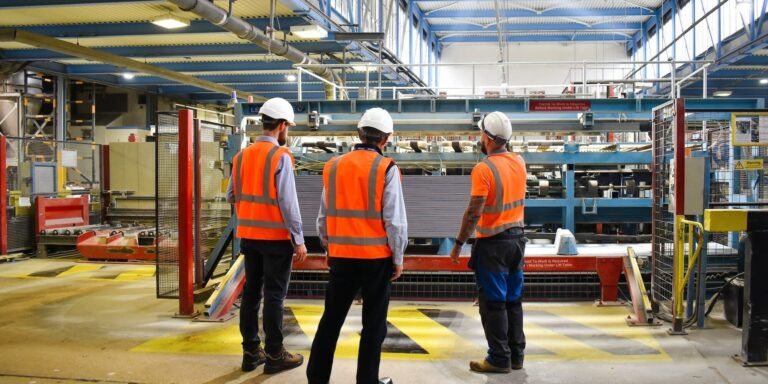
The PUWER App is built for teams who need clarity, consistency, and confidence in their assessments.
- Health & Safety Managers managing assessments across multiple sites
- Maintenance Teams benchmarking machinery and identifying risks
- Operations Leads who need clear reporting on compliance status
If you’re responsible for understanding machinery risk—or explaining it to others—this is built for you.
How It Works
Getting started takes minutes, not days.
- Download the app from Apple or Google Play (or use it in your browser)
- Log in and start your first PUWER assessment straight away
No complicated setup. No training required. That way you can work on what needs to be done, not waste time on setup.
built on real-world experience.
Knox Thomas has a proven track record in machinery safety and PUWER compliance, working with organisations across a wide range of industries.
The app itself is developed from the same structured approach used in professional assessments—refined through years of practical application.
- Built by experienced PUWER assessors
- Designed around real assessment workflows
- Focused on producing reliable, decision-ready data
FAQ
1. Is it really free?
Yes. The app is completely free to use, with no limits on the number of assessments you can carry out.
2. Do I need technical expertise to use it?
No. The app is designed to be simple and intuitive, even for first-time users.
3. What happens to my data?
Your data is stored in a structured format, making it easy to export, analyse, and use in your own reporting processes as well as kept safe and private.
4. Can I use it across multiple sites?
Yes. You can manage multiple projects and locations within the app.
5. Does it replace a professional PUWER assessment?
The app is a powerful tool for benchmarking and identifying risks. For formal compliance or complex situations, professional assessment may still be required.
How To Get Started
01. Logging In
The first steps to getting started with the Knox Thomas PUWER App, is logging in for the first time. See this tutorial video to learn more. Or see the full PDF guide here.
02. Building a Project
After successfully logging in, the next step is creating the first project to start a PUWER assessment. See this tutorial video to learn how to create a project, or the PDF guide.
03. Adding Assets
A crucial stage of a PUWER assessment is adding assets to your project. See the next video to learn how to add assets in the PUWER App. See the PDF tutorial here.
04. PUWER Checklist
After a project has been set up and built, you can then complete a PUWER Checklist for each asset. See this video tutorial to learn more, or follow the PDF tutorial here.
05. Risk Evaluations
The PUWER App can also be used to evaluate risks and score identified hazards. See this video to learn how to record a risk evaluation, or follow the PDF instructions here.
06. Exporting Data
Information can be viewed through the app at any time in the process. Data can also be exported and shared outside the app. Learn how to export data from the video here, or follow along the PDF guide.
Stop relying on inconsistent processes and hard-to-use data.
The PUWER App gives you a clear, structured way to assess machinery, identify risks, and make better decisions—without adding time or complexity.
Free to use. No limitations. Just clear assessments.
Ready to get started? Download the PUWER App below to start your first assessment today.